 Vignette
 iPhone wallpaper
The screen you look at a hundred times a day.
Your lock screen deserves better than a factory gradient. Vignette creates portraits in vertical 2:3, designed for the iPhone from composition onward: breathing room above heads, space for the clock, 4K definition.
✦ Your first creation is free.
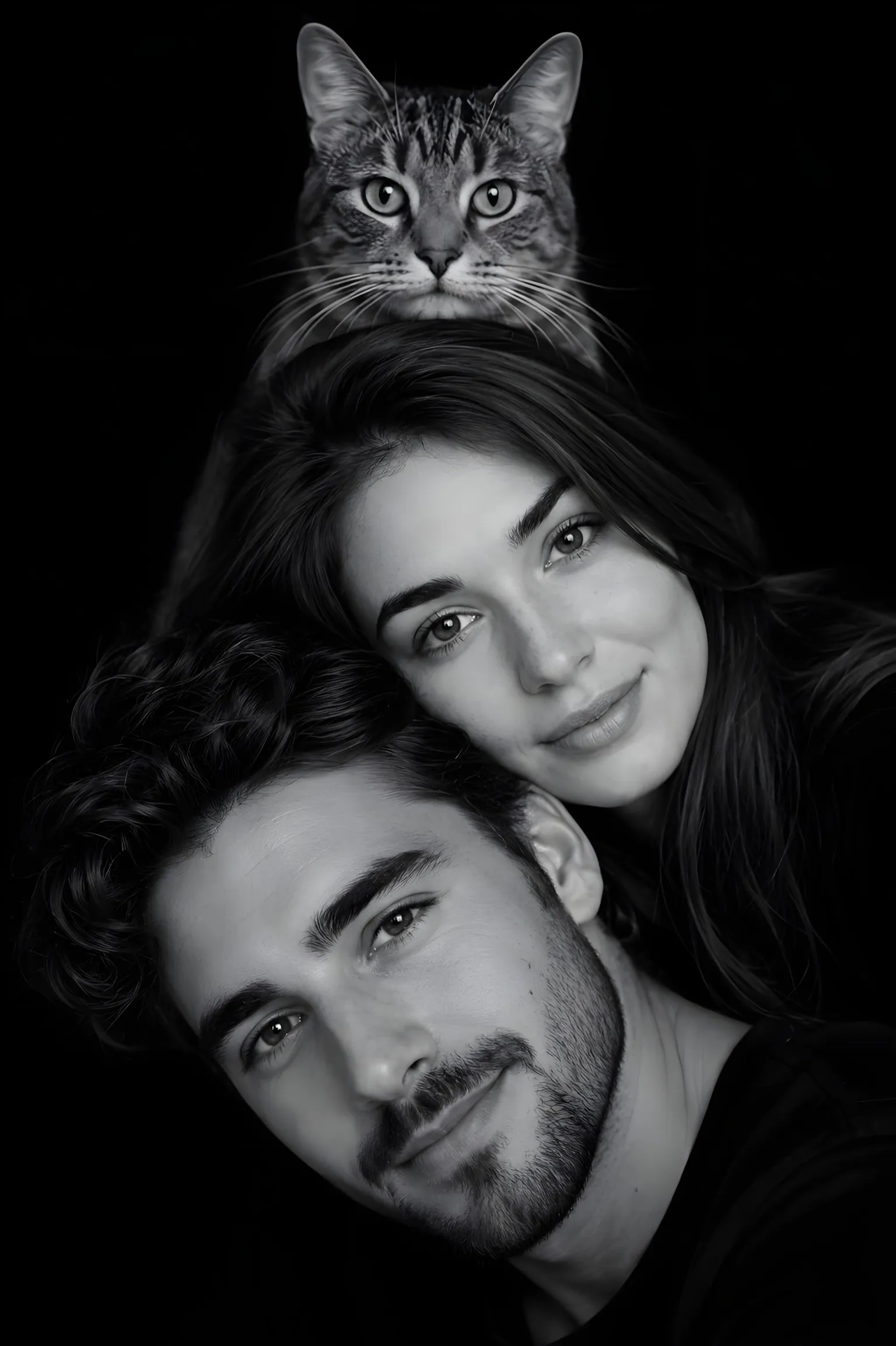
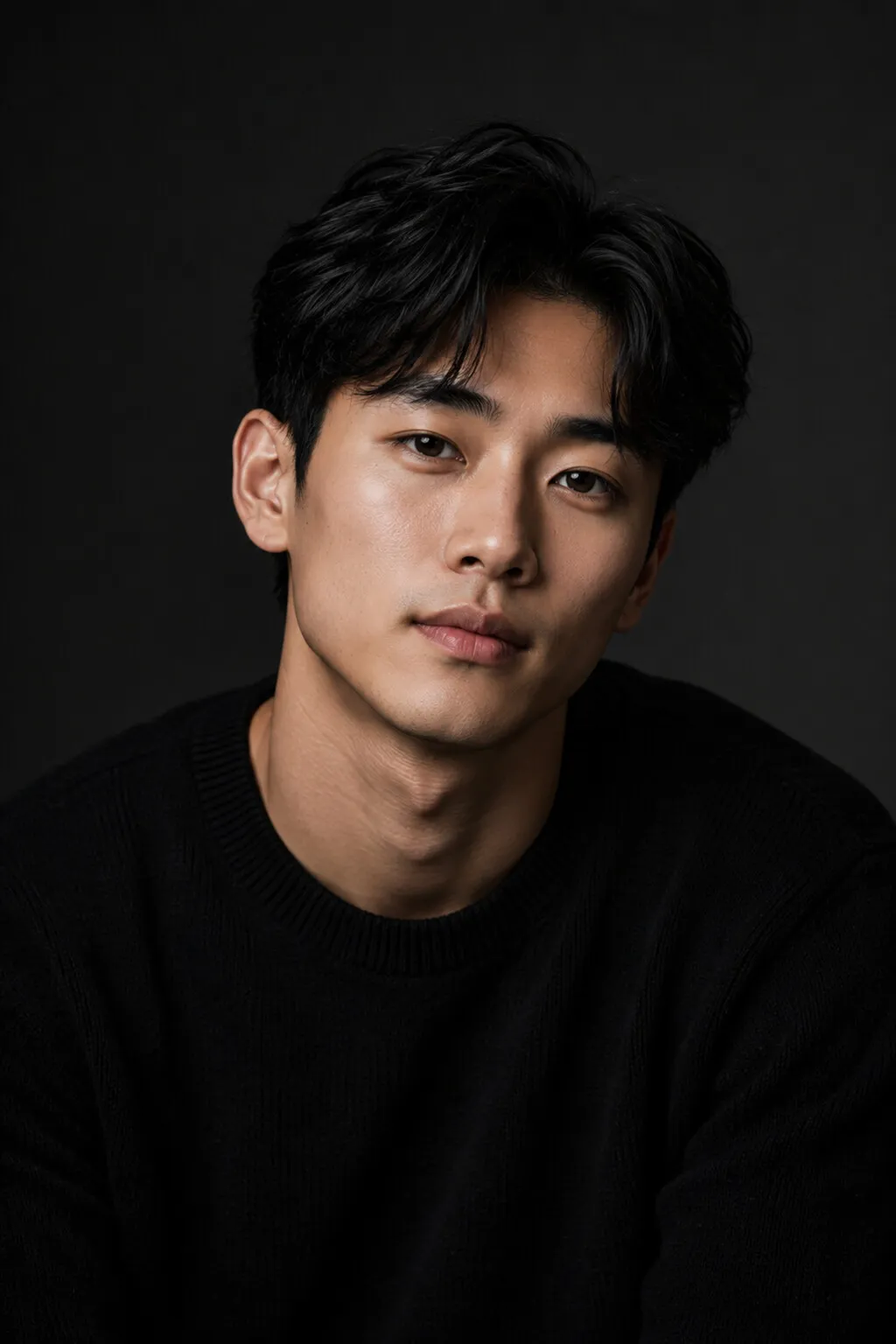
Composed for the lock screen
A beautiful portrait badly framed makes a poor wallpaper: head cut by the clock, face under the widgets. Every Vignette composition reserves the necessary margins: the air above heads is part of the generation spec, not an afterthought crop.
Solo, duo, family, pet or repeating motif: the compositions cover every use, in gallery black-and-white or soft color that clashes with no icon style.
Sharp on every iPhone
Standard creations come out at 2K, well above iPhone screen density; high quality goes native 4K for perfect zooming and printing. Save straight to your photo library from the app.
How it works
Three taps. One studio print.
- 01
Pick a composition
Solo, duo, pyramid or the whole family: the diagram shows where every face will sit.
- 02
Place your photos
One photo per person, sharp and facing the camera. The AI generates two versions, three in high quality: you keep the one that looks most like you.
- 03
Get your portrait
A few minutes later: a studio-grade portrait, ready for your lock screen. Or your wall.
Frequently asked questions
Does the format really match the iPhone screen?
Yes: every creation comes out in vertical 2:3, the iPhone screen ratio, with breathing room planned for the clock and widgets.
How do I set it as my wallpaper?
Save the creation to your photo library from the app, then Settings → Wallpaper → Choose a New Wallpaper. That's it.
Is the quality enough for zooming?
Standard quality (2K) already exceeds the screen's density; high quality (4K) stays sharp even zoomed in.